Weekly Reflection From Tuesday November 17th
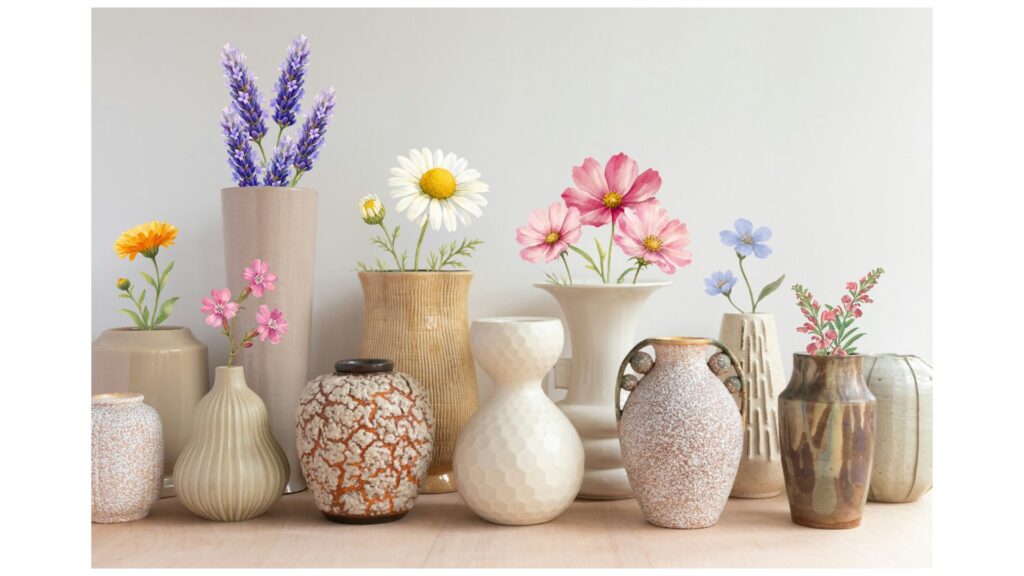
For this week’s reflection, we were asked explore graphics to make a new banner or image for our blog. I decided to share my new banner as an image in this post, as I would prefer to leave my original banner as is. Feel free to look at my original banner to compare the images before versus after I added additional graphics.
I used Canva to add flowers to a picture of ceramic pots. I picked graphics from the selection Canva provides, changed their size & colour, and cropped the images so that it looked like the stems were inside the pots. I chose to do this because I liked my original banner (which was just the image of the ceramic pots) and I wanted to see if I could elevate my image. Although I feel I was pretty successful, I still prefer the original image as I think the flowers distract a bit from the point of the image (which is for people to notice the pots since my blog is about ceramics).
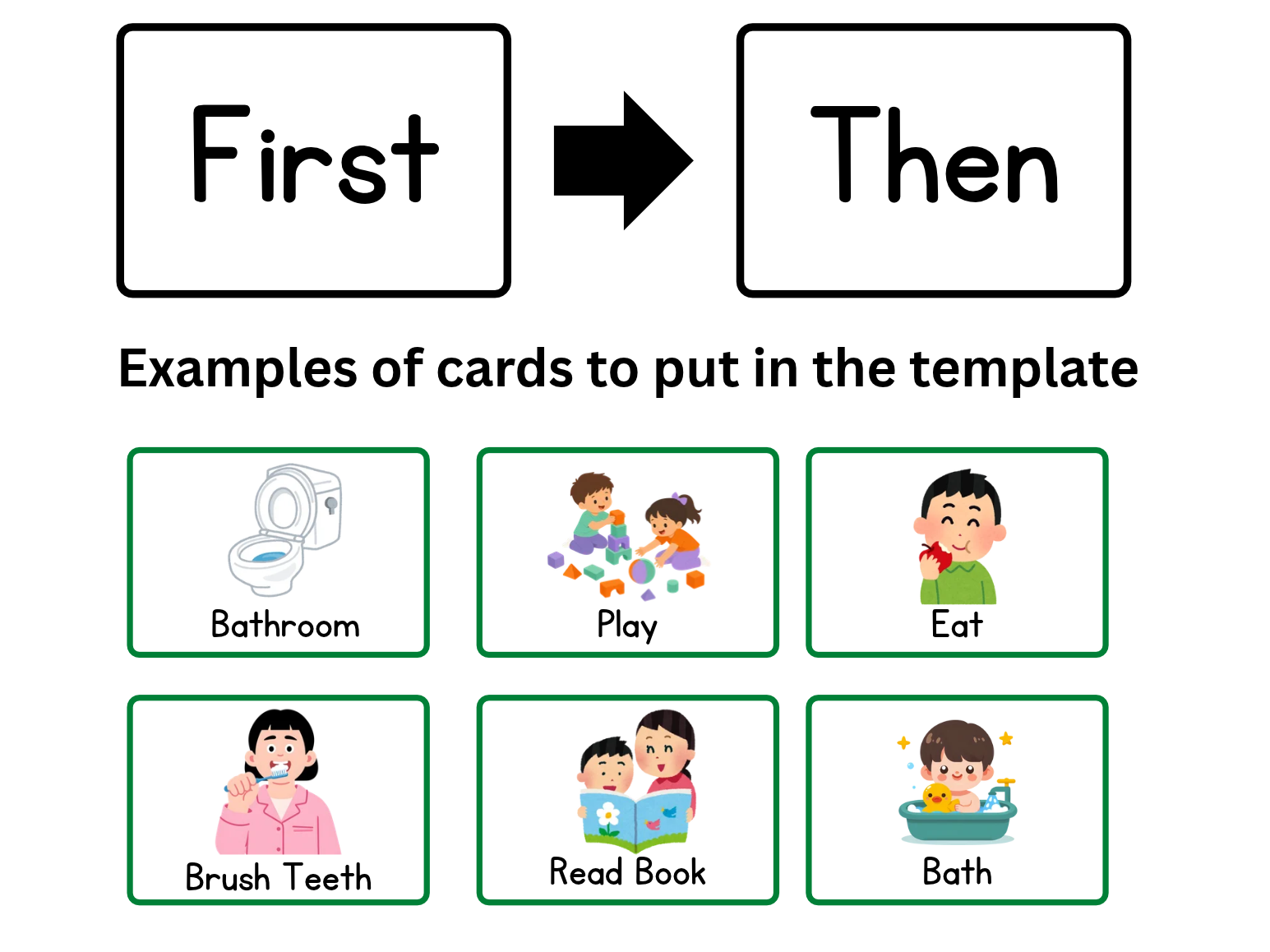
I expect that I will use Canva quite a bit in my future teaching, especially to make graphics, slideshows, and posters. In my previous work, I was able to use Canva to make a “First-Then” template to help a nonverbal child communicate what would happen next (e.g., First we go to the bathroom -> then we can play). To do this, I created a bunch of different cards with images that I cut out and could set in the template. I will include an example of a First-Then template below. This being said, for other purposes, it may be better to use different tools as Canva is limited in options if you do not pay for a membership.